The short answer
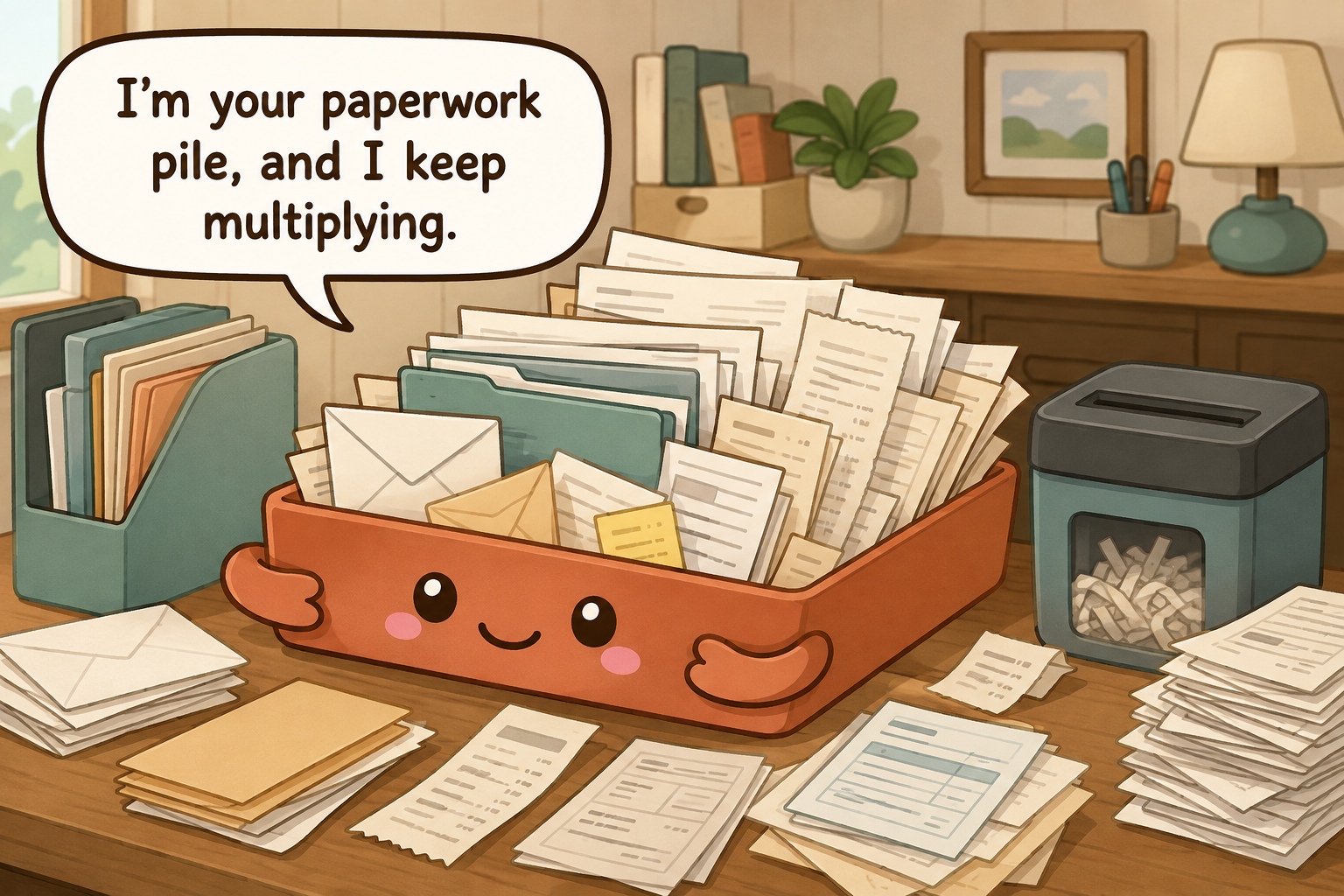
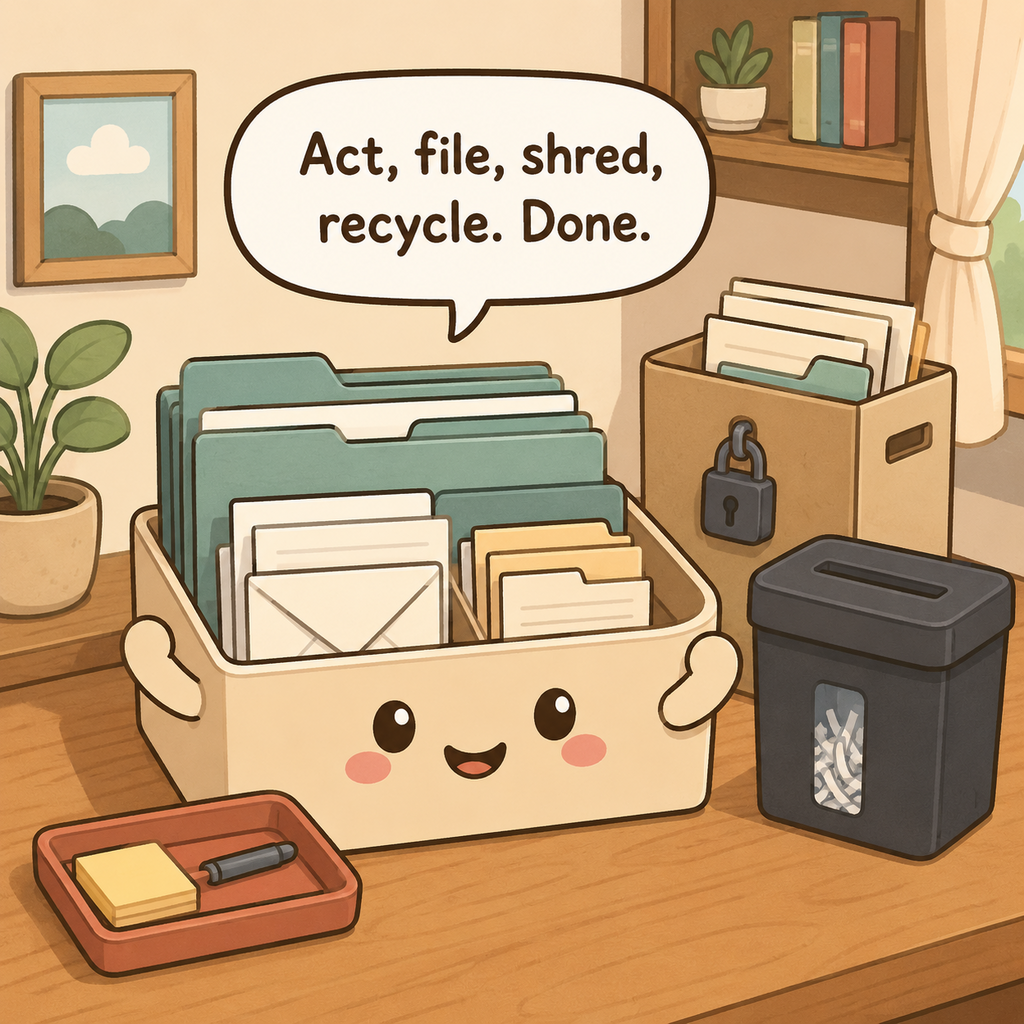
Sort paper by what happens next—act, file, scan, shred, or recycle—rather than by who sent it. Protect vital originals separately from routine records, use a small number of broad file categories, follow real retention rules instead of keeping everything seven years, make digital copies searchable before discarding paper, and process mail on a fixed weekly schedule with the goal of emptying the inbox.
What to gather before you start
- One small incoming-paper tray
- A short set of broad file folders
- A marker or label maker
- A cross-cut shredder or secure shredding option
- A fire- and water-resistant document container for critical originals
- A simple digital scan folder if you choose to digitize non-originals
Measure first. Buy only the pieces that solve a specific access problem.
Use a retention decision, not a universal seven-year rule
Federal tax-record retention depends on the situation. Current IRS guidance gives three years as the common general period, six years for certain substantial unreported income cases, seven years for bad-debt or worthless-security loss claims, and indefinite retention for fraudulent or unfiled returns.
- First ask whether the paper is an original you may need for legal, identity, property, insurance, or account reasons.
- For federal tax support records, apply the IRS period that matches the return situation; do not assign seven years to everything.
- Keep property-basis and similar records long enough to support the tax treatment when the property is later disposed of.
- Check state, insurer, creditor, employer, or issuer requirements when they may require longer retention.
- Shred sensitive documents only after the retention need has ended; scan only when a digital copy is sufficient for the purpose.
Stop sorting by sender and sort by what happens next
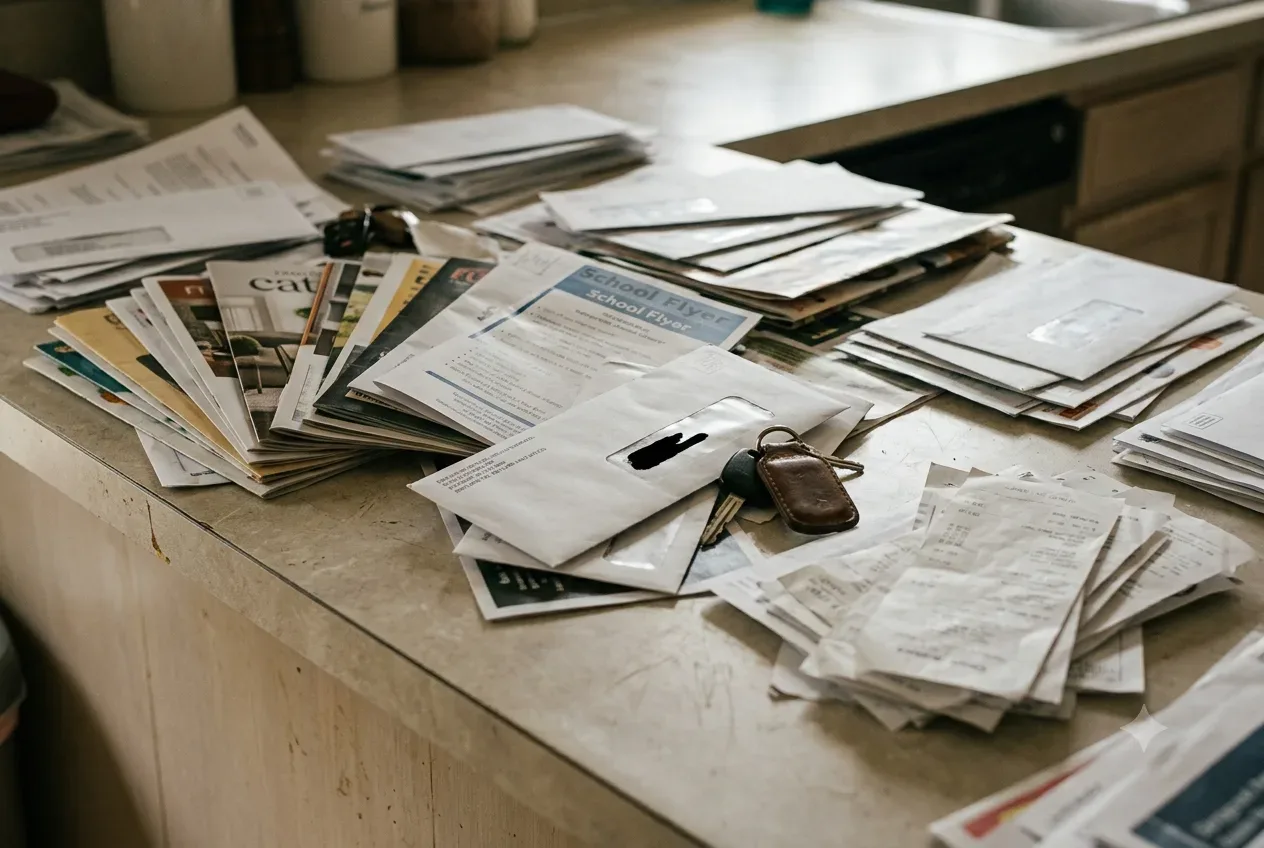
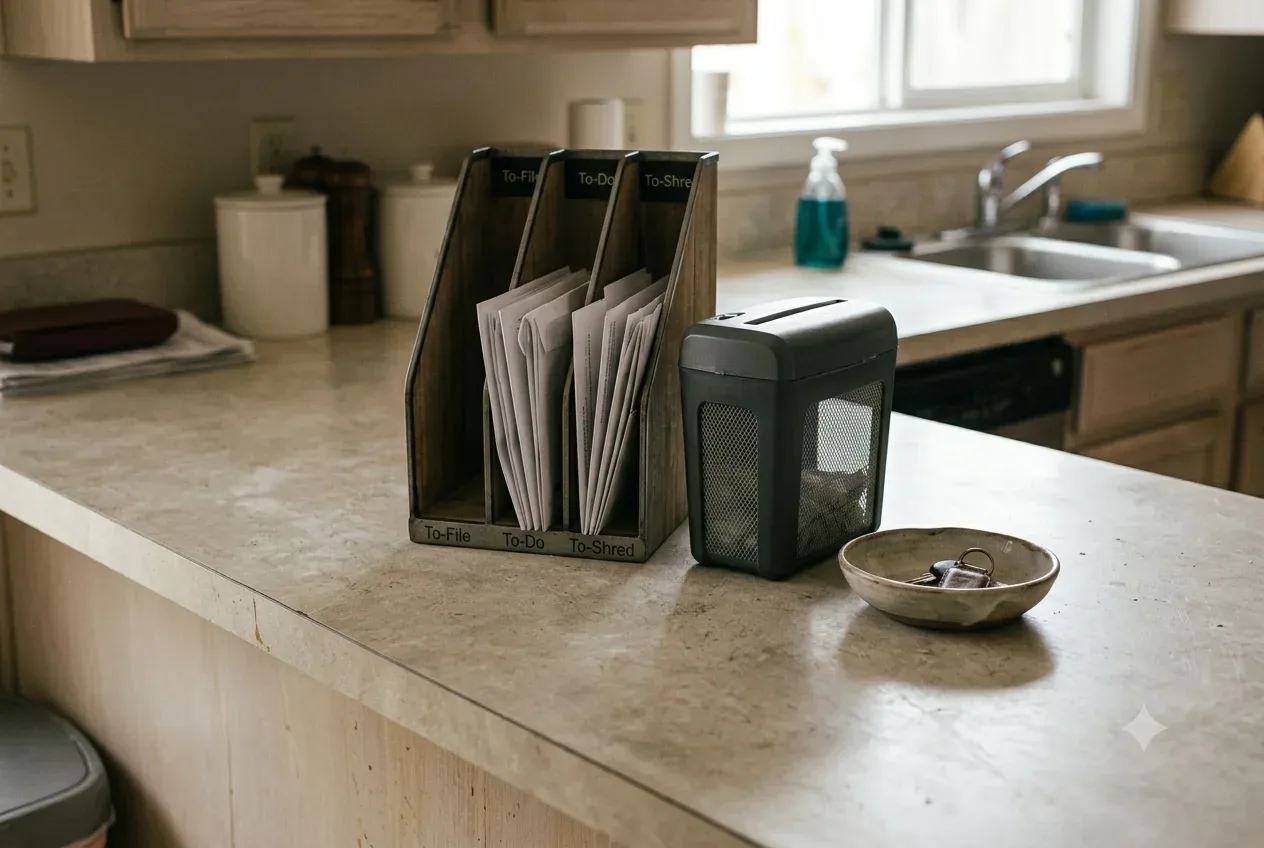
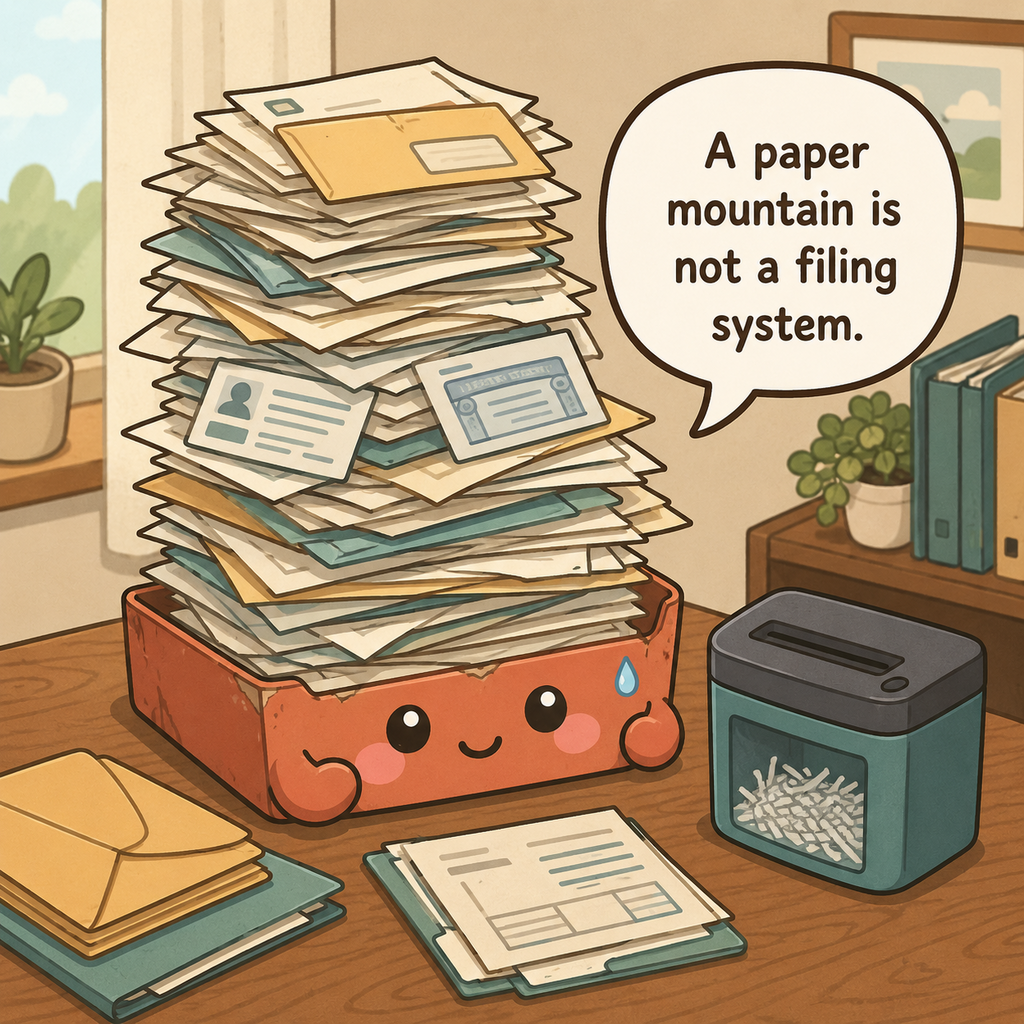
Open mail near a recycling bin and route each piece immediately to one of a few outcomes: act, file, scan, shred, or recycle. Keep one small action folder for bills, forms, and documents that need a decision. A sender-based pile such as 'bank' or 'school' still leaves you wondering what needs to happen, while action-based sorting creates a finish line.
Separate items that must leave the house—returns, forms, outgoing mail—from records that simply need filing. Put deadlines into a calendar or task system so the paper itself does not have to stay visible as a reminder.
Size the physical inbox so it can hold only one normal processing cycle, not several months of deferred decisions. Put the recycling bin, shred route, scanner, active file, and outgoing-mail spot close enough that one sheet can reach its next destination without forming a new pile. If you must carry paper to another room for filing, use one portable folder rather than several temporary stacks along the way.
Protect originals differently from ordinary records
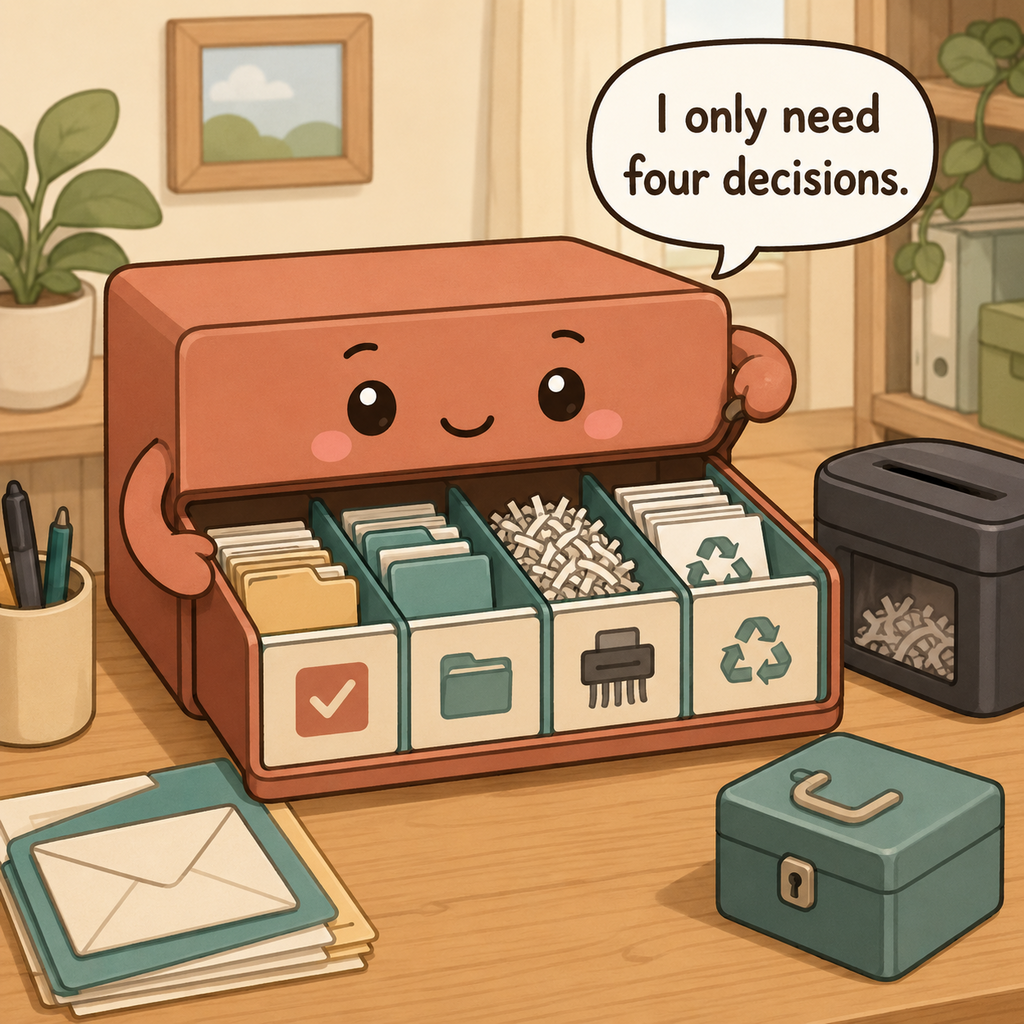
Identify documents that are difficult or impossible to replace, such as birth certificates, passports, property documents, signed legal instruments, and other vital originals. Store them in a secure location appropriate to the document and the risks in your area; an everyday desktop file is not the same as protected vital-record storage.
Keep routine statements, receipts, manuals, and temporary records in ordinary files only for as long as they serve a purpose. Do not mix irreplaceable originals with a weekly mail tray where they can be accidentally shredded or recycled.
Separate vital originals from ordinary files before you choose containers. A passport, birth certificate, deed-related record, or signed legal instrument may require secure fire-, water-, or theft-conscious storage appropriate to your circumstances, while a replaceable monthly statement does not. Keep an inventory of where vital originals live so security does not turn into invisibility, and never run irreplaceable paper through a routine shred-or-scan pile.
Build broad files, not a folder for every piece of paper
Use broad categories such as current taxes, insurance, home, vehicle, medical administration, school, warranties, and active projects. Inside a category, use chronological order or a few meaningful subfolders only when retrieval actually requires it. A file system with hundreds of labels becomes harder to maintain than the paper pile it replaced.
Keep active files close to where you process paper and move completed archives to a separate storage area. Leave some empty capacity in each drawer so papers can be filed without forcing thick folders or starting a second stack.
Use broad categories that answer retrieval questions quickly: taxes by year, insurance, property, vehicle, medical administration, school, warranties, and active projects are usually easier to maintain than dozens of sender folders. Leave room in each file for normal growth. When a folder becomes too thick, review retention and split only if the new distinction helps you find a document later; do not solve every thick file by creating another permanent archive.
Use real retention rules instead of the seven-year myth
Match retention to the document and the legal or practical reason for keeping it. For U.S. federal tax records, IRS guidance says three years is the common general period, while some situations require longer—for example six years for substantial unreported income and seven years for certain bad-debt or worthless-security claims; fraudulent or unfiled returns can have no limitation period. Employment tax records generally have a four-year rule.
Those are federal tax-record examples, not universal rules for every document. State requirements, property basis records, retirement or investment records, insurance claims, and legal matters can need different retention. When the consequence matters, check the relevant agency, professional adviser, or document issuer instead of using one household rule for everything.
Turn retention into a decision you can explain later. For each archive category, note what rule or future need justifies keeping it—federal tax support, property basis, an unresolved claim, an issuer requirement, or another specific reason. If you cannot name the reason, check the current rule before automatically assigning another seven years. This makes the archive auditable and prevents a generic household myth from becoming permanent storage policy.
Shred for privacy when the document no longer needs to exist
When a sensitive document has reached the end of its useful retention period, destroy it so account numbers, Social Security numbers, signatures, medical details, and other personally identifying information cannot be reconstructed easily. Cross-cut shredding is a practical household option for paper PII; secure document-destruction services are useful for large volumes.
Do not shred a document merely because it contains personal data if you still need the original. Confirm the retention requirement first, then destroy it securely. Ordinary envelopes and inserts without sensitive information can usually follow normal local recycling rules.
Create a destruction step only after retention has been checked. Papers with Social Security numbers, account data, signatures, medical details, or other sensitive identifiers should not go intact into casual recycling when they no longer need to exist. Use a cross-cut shredder or a secure destruction service for larger volumes. Keep the shred bin small and inaccessible to children or pets so it does not become another long-term container of sensitive information.
Make digital copies searchable before you destroy paper
Scan documents only when a digital copy is legally and practically sufficient for your purpose. Name files with a predictable pattern such as date, document type, and account or property label without putting unnecessary sensitive data into filenames. Store them in a backed-up location with appropriate account security.
Open a sample of the scanned files before destroying paper to confirm every page is readable, complete, and correctly oriented. Keep vital originals when the physical document may still be required. A photo of a page is not automatically a substitute for an original legal document.
A useful scan is complete, readable, named predictably, and backed up. Open representative files before destroying the paper and confirm multi-page documents have every page. Use filenames that help retrieval without exposing unnecessary sensitive data, and protect the storage account with appropriate security. If an agency, court, insurer, or transaction still requires the original, keep the original; digitizing is an access tool, not automatic permission to discard it.
Give mail a weekly appointment with a finish line
Choose one weekly time to empty the action folder and paper inbox completely. Pay or schedule bills, sign and return forms, file records, scan what needs scanning, and shred or recycle the rest. If a task cannot be completed yet, put the next action and date into your task system rather than returning an undecided sheet to the pile.
Keep the appointment short by doing obvious recycling as mail arrives. The weekly session is for decisions and completion, not opening months of unopened envelopes.
Put the weekly paper appointment on the calendar and define success as an empty inbox. Complete fast actions, schedule larger ones, file records, scan what is appropriate, and destroy or recycle what has reached its end. If a document must wait for another person or event, write that next step into the task system and place the paper in one pending file. The countertop should not serve as the reminder mechanism.
What ruins a paperwork and mail system
Do not keep every document for seven years, shred originals before confirming they can be replaced, or create a separate file for every sender. Avoid leaving sensitive papers exposed on kitchen counters and scanning documents into unnamed image files that cannot be searched later.
Another mistake is using a paper pile as a reminder system. Put deadlines into a calendar and let the filing system store records, not anxiety about unfinished tasks.
When paper starts spreading again, inspect the workflow rather than creating a larger sorter. Unopened mail means the intake step is too slow; papers on the counter mean action files are too far away; stuffed folders mean retention has not been reviewed. A new basket helps only when it represents a distinct next action. Otherwise it simply converts a pile into a labeled pile.
The weekly reset
Once a week, take the inbox to zero: act, file, scan, shred, or recycle every paper. Return vital originals to protected storage and move outgoing items to the entryway or bag they must leave with.
Once a year, review archive categories against current IRS, state, legal, insurance, and issuer guidance and destroy records that no longer need to exist. Retention rules can depend on circumstances, so update the system rather than relying on a permanent seven-year label.
At the weekly reset, take the inbox to zero and return vital originals to protected storage. Once a year, review archive categories against current IRS and other relevant guidance, especially after a property sale, major insurance event, business change, or legal matter. Destroy records only when their tax, legal, insurance, and practical purposes have ended. Keep copies of filed tax returns as the IRS recommends for future preparation and amended-return calculations.
Sort paper by what happens next
Keep here
- Act: forms, bills, or documents requiring a near-term action
- File: records that must be retained
- Scan: papers suitable for a searchable digital copy
- Shred/recycle: documents whose retention need has ended
Store elsewhere
- Unopened mail used as a reminder system
- Every receipt kept without a reason
- Sensitive papers left on an open counter
- Tax records assigned a blanket seven-year period without checking the actual rule
Retention & privacy
- Do not apply a blanket seven-year rule to all paperwork; federal tax retention depends on the situation.
- Keep vital originals when a physical document may be required.
- Shred records with sensitive identifiers only after their retention need ends.
30-second success check
- The physical inbox reaches empty on the scheduled processing day.
- Vital originals are separated from routine papers and stored appropriately for their importance.
- Every archive folder has a broad retrieval purpose rather than a sender-by-sender filing maze.
- Retention is tied to a specific rule or need instead of a blanket seven-year label.
- A scan is opened and checked for completeness before the paper original is destroyed when digital retention is sufficient.
Questions that come up
Frequently asked questions
Part of Paper, Electronics & Small-Item Systems — 7 guides.