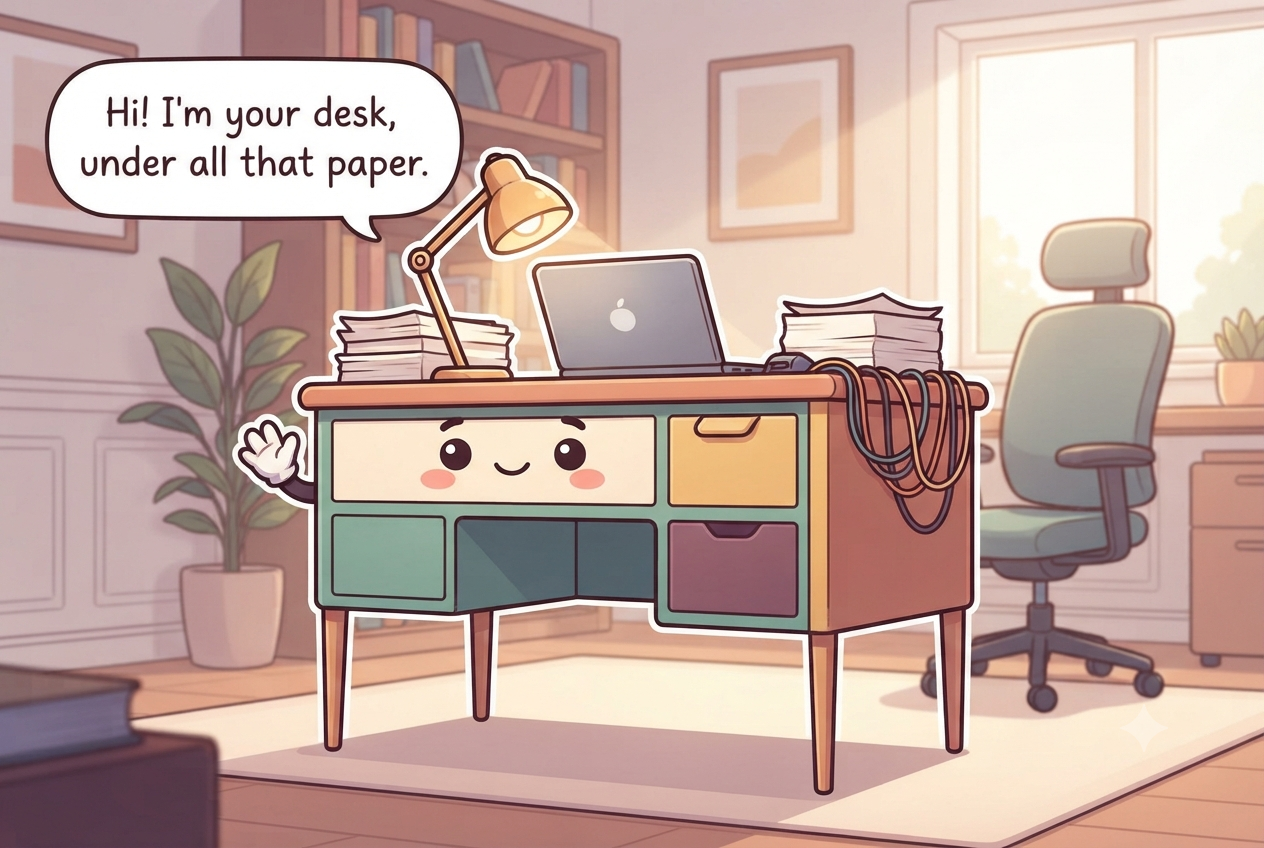
The short answer
Keep the desktop for today's active work, not long-term paper storage. Put only daily tools in the shallow drawer, use the deep drawer for current projects or active files rather than archives, route cables by device, and limit incoming paper to one small inbox with a scheduled processing time.
What to gather before you start
- A shallow drawer tray with a few compartments
- Hanging file folders for the deep drawer
- A single inbox tray, deliberately small
- Reusable cable ties and a tray or clip for the power strip
- A small bin for the tech and stationery that isn't daily
- Labels for the file folders and drawer sections
Measure first. Buy only the pieces that solve a specific access problem.
Clear the surface and both drawers
Remove everything from the desktop and drawers, then sort it into daily tools, active work, reference material, records, electronics, and items that belong elsewhere. Test pens, discard obvious trash, and remove duplicate office supplies from the prime drawer. Wipe the work surface before returning anything.
Separate papers that contain account numbers, Social Security numbers, signatures, medical information, or other sensitive data from ordinary recycling. Keep what you need securely and shred records that no longer need to exist rather than leaving them in an open discard pile.
Before returning anything, decide which papers are active work and which are records. Sensitive sheets that no longer need to exist should move directly to secure shredding, not an open recycling pile. Measure the usable height of both drawers so a new divider or hanging-file frame does not cause the drawer to jam. Create a temporary decision stack only while sorting, then empty it before the desk returns to service. Papers that need a longer decision belong in the inbox or an active project folder; otherwise the sorting pile simply becomes the new desk clutter.
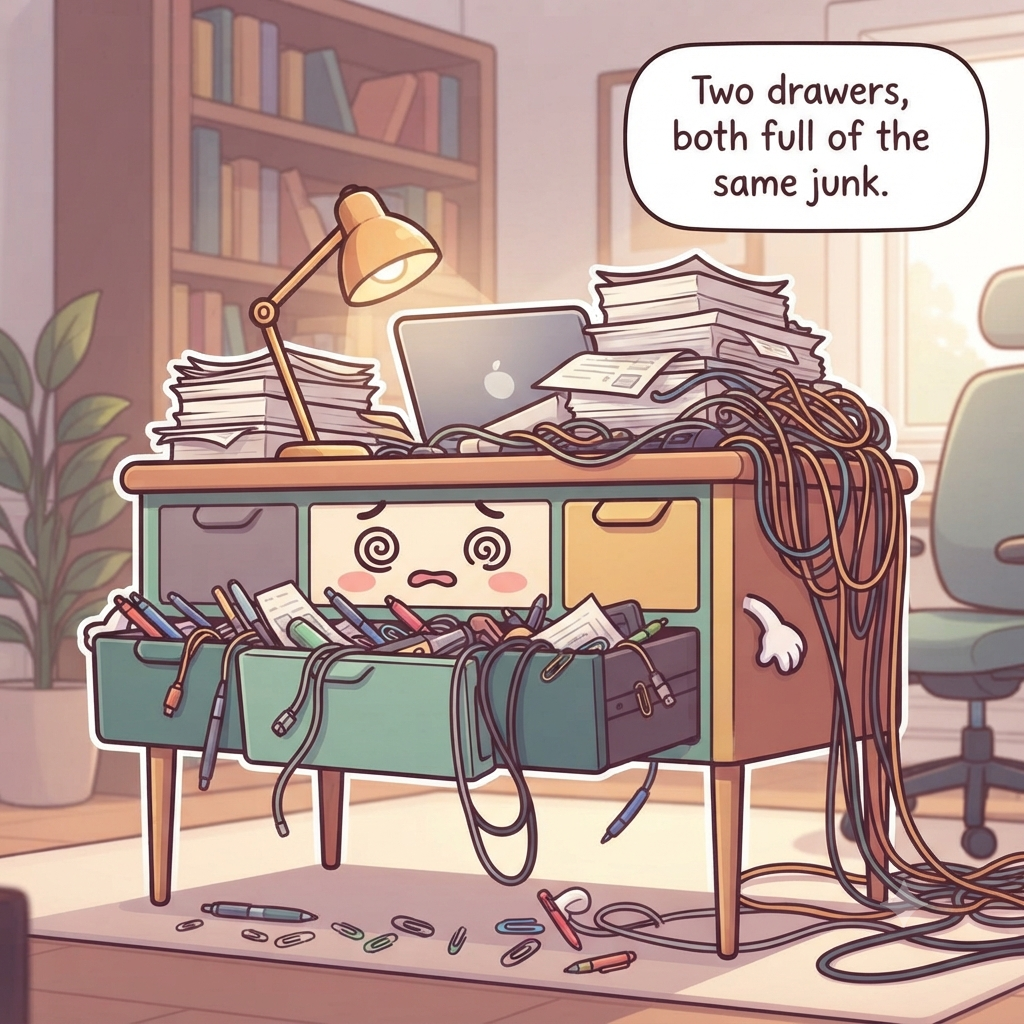
Keep the surface for today only
Return only the equipment you use every workday and the materials for the current task. Give the keyboard, pointing device, notebook, and one active project a defined footprint. Everything else should either go into an active file, a supply drawer, or long-term storage.
Use one small landing spot for an item that must be handled before the end of the day, not a broad tray that can hold a month of paper. A clear edge around the desk makes it easier to write, move a laptop, and notice when clutter is beginning to spread.
Use the desktop as a work surface, not a visual task list. Convert reminders into the calendar or task system you already use, then file the paper if it still needs to be retained. Keeping only the current task and daily equipment visible preserves room for writing, reviewing, or moving a laptop without shuffling piles. If a reference document is needed repeatedly during one project, give it a temporary stand or folder instead of spreading several sheets across the desktop. When the project ends, remove that support so yesterday's work does not become permanent visual noise.
Load the shallow drawer with daily tools only
Use shallow dividers for pens, a pencil, sticky notes, scissors, a small ruler, and other items you reach for most days. Keep one working version of each tool in the prime drawer and move refills and bulk supplies elsewhere. Arrange the drawer in a single visible layer so you can return items without rummaging.
Do not fill every divider simply because it exists. Leave some room for the occasional tool that enters during a project. If a drawer jams, remove tall items rather than forcing the slides; measure internal height before adding stacked organizers.
Keep one working tool in prime space and store refills elsewhere. If pens, clips, sticky notes, or batteries have to stack in a second layer, the drawer is carrying inventory rather than daily tools. Leave a small open compartment for a temporary project item so the whole layout does not break whenever a new tool appears.
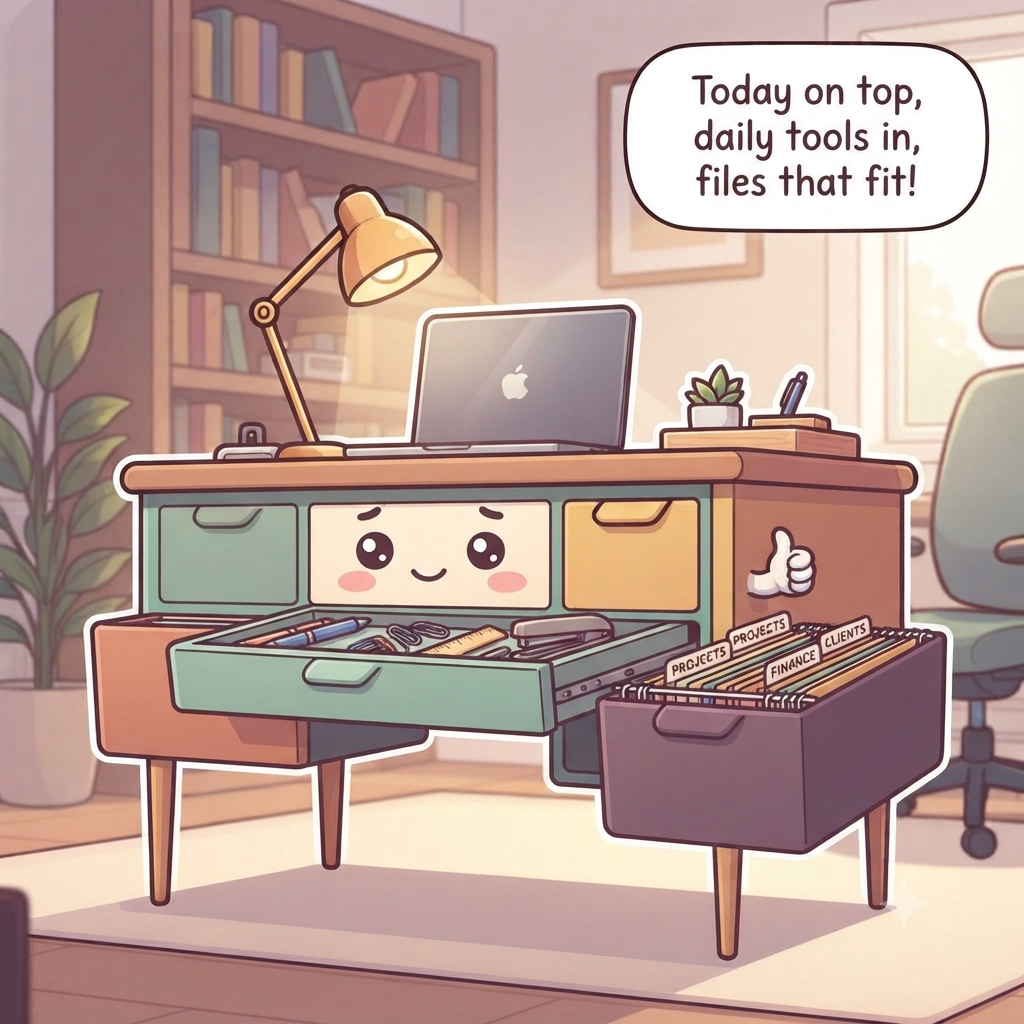
Make the deep drawer an active file, not an archive
Use hanging folders or broad project folders for work that is currently in motion: bills to resolve, a tax-prep folder for the current year, client projects, school forms, or household tasks. Label by action or project rather than by every individual sender. Archive completed records outside the desk so the drawer stays fast to search.
Keep sensitive records in storage appropriate to their confidentiality and value. Do not assume every document belongs in a desk just because it is paper. Originals such as vital records and irreplaceable legal documents may need more secure, protected storage than an ordinary unlocked drawer.
Set an exit point for every active folder: project completed, bill resolved, tax year closed, or form submitted. At that point, archive, scan, shred, or relocate the record according to its real retention need. This keeps the deep drawer focused on work in motion instead of becoming the default home for every paper worth keeping. Use broad labels that reflect real work states—such as current bills, current tax preparation, or active client project—rather than creating a folder for every sender. Fewer meaningful folders make filing faster and reduce the chance that a paper is hidden under a nearly identical label.
Corral the cables and cap the inbox
Route charging and monitor cables toward their destination with reusable ties or clips, leaving safe slack and keeping cords out of foot paths. Label cables that are easy to confuse and avoid crushing them behind furniture. Use listed electrical equipment and do not daisy-chain power strips.
Limit paper intake to one physical inbox that has a hard capacity. Process it on a fixed schedule into four outcomes: act, file, scan, or discard/shred. When the inbox is full, processing comes before adding a second tray.
Keep the physical inbox shallow enough that its fullness is visible. Process paper into act, file, scan, or discard/shred rather than adding a second tray when it fills. Route desk cables with gentle slack, keep power connections inspectable, and use removable clips in a rental when permanent cable channels are not appropriate. Keep charging bricks and adapters off the floor where feet or chair wheels can damage them. A cable tray or clips can help, but leave power connections visible enough to inspect and disconnect without crawling through a nest of unrelated cords.
Habits that undo a home office desk
Do not treat the desktop as a reminder system for every unfinished task. Avoid deep drawers full of archived paper, duplicate supply stock in prime space, unlabeled cables, and multiple inboxes with no processing day. Do not leave sensitive documents exposed simply because the office is inside your home.
Another mistake is buying drawer dividers before deciding what deserves the drawer. Edit first, then size organizers to the remaining tools. The desk should support active work; storage for completed projects belongs elsewhere.
Do not solve paper clutter by adding more trays or solve supply clutter by filling every divider. Multiple inboxes without a processing routine simply create multiple backlogs. Keep confidential records secured, active files limited to current work, and cable routes visible enough that damage or an obsolete charger can be identified.
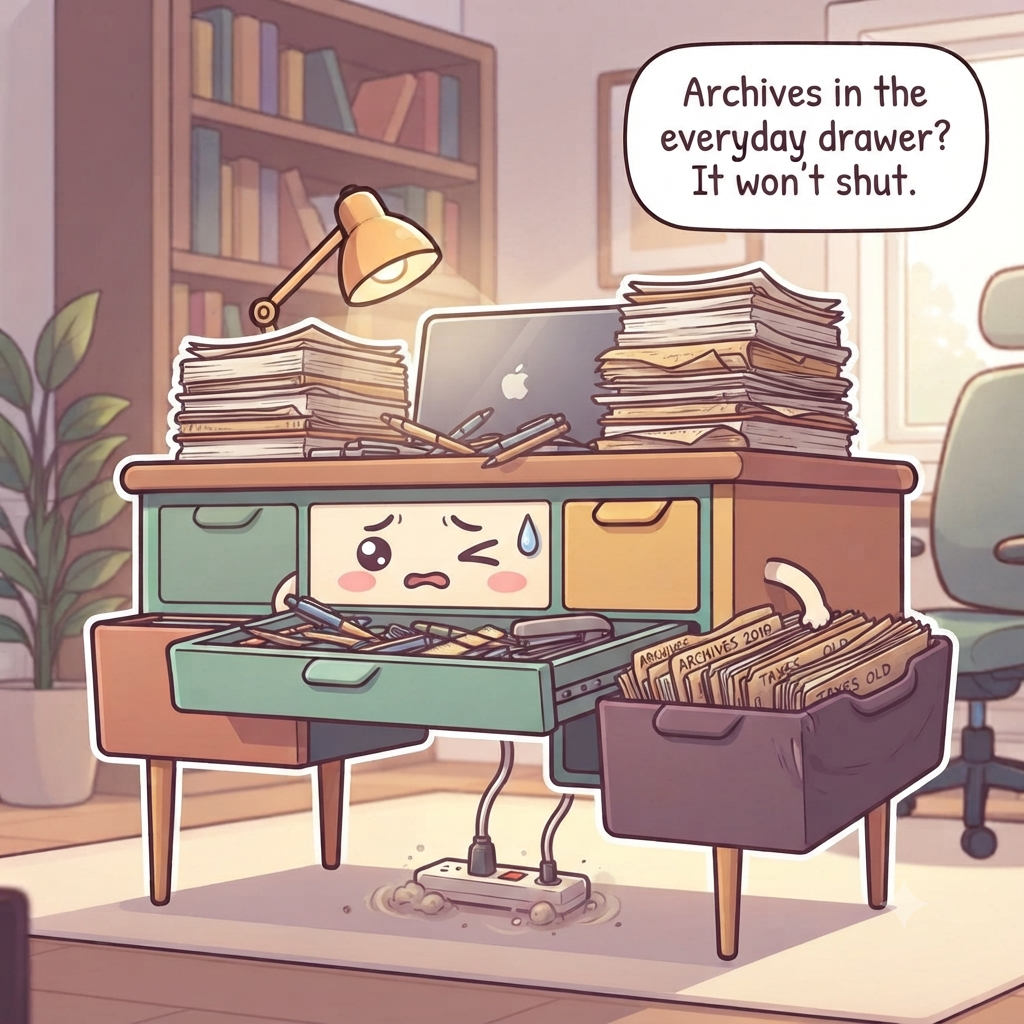
The end-of-day reset
At the end of the workday, file or stack the active project in its designated spot, return tools to the shallow drawer, remove cups and trash, and put loose paper into the capped inbox. Leave the desktop ready for the next day's first task.
Once a week, process the inbox to empty and move completed project files out of the deep drawer. If the same paper repeatedly stays on the desk as a reminder, convert it into a calendar or task-system entry and file the physical sheet.
End with a defined first task for tomorrow rather than leaving several projects spread across the desk as reminders. Return tools, route loose paper into the inbox or active file, remove cups, and close the workspace. The weekly reset should empty the inbox and move completed work out of the deep drawer before capacity disappears. If the inbox cannot be emptied during the weekly pass, identify why before increasing capacity. A paper may need a calendar deadline, a digital task, a phone call, or a permanent file; choosing that next action is what clears the desk, not another tray.
Renter-friendly option
Route cords with removable clips or a freestanding cable box and use a portable file cart or desktop inbox instead of wall-mounted systems. Test removable adhesives on an inconspicuous area first.
30-second success check
- The desktop holds only current work and daily equipment, not a visual backlog.
- The shallow drawer remains one visible layer of working tools.
- The deep drawer contains active projects rather than completed archives.
- The paper inbox reaches empty on the scheduled processing day.
- Power and data cables remain accessible, undamaged, and out of chair or foot paths.
Questions that come up
Frequently asked questions
Part of Paper, Electronics & Small-Item Systems — 7 guides.