The short answer
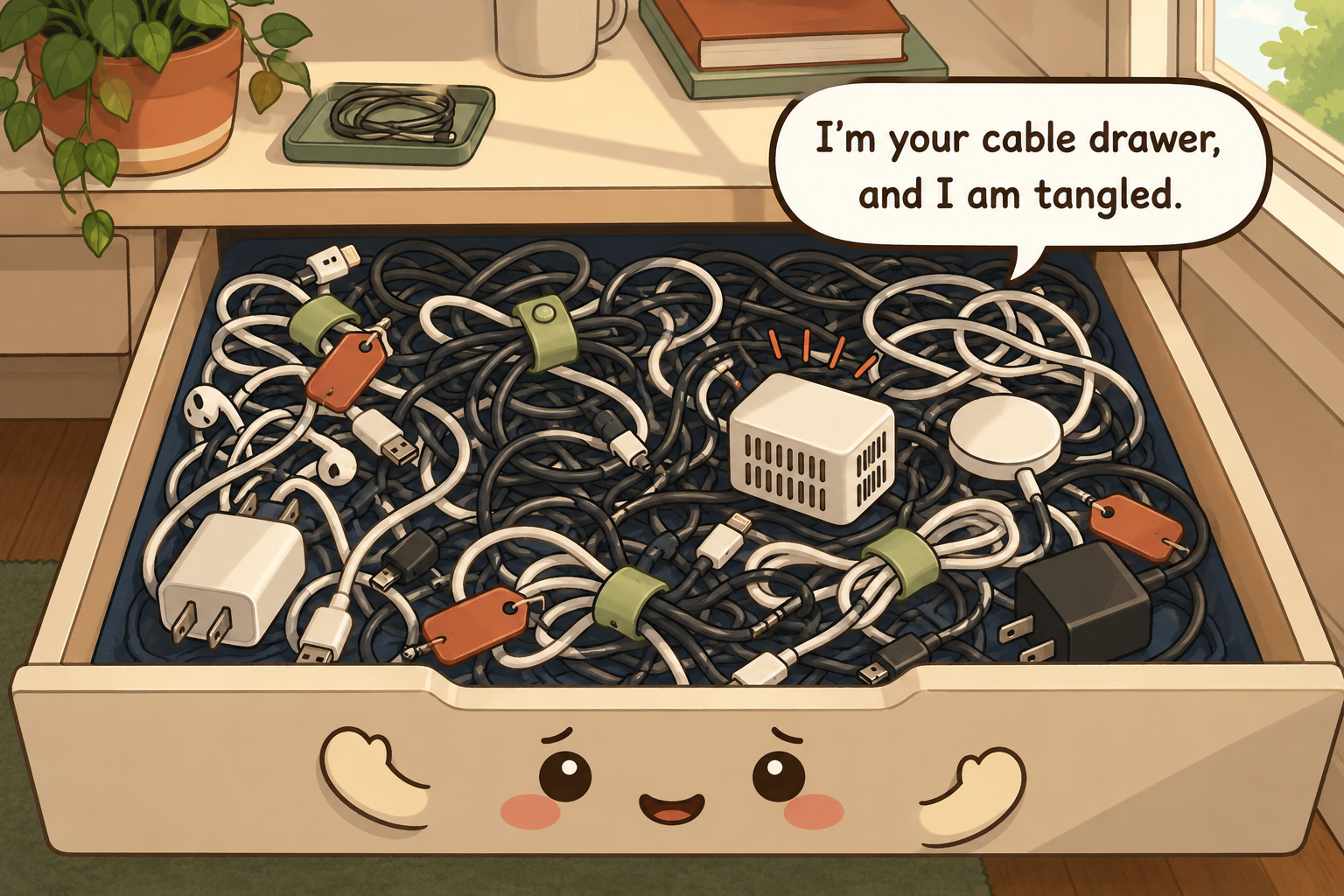
Identify every cord before trying to make it look neat. Keep active power cables separate from spare passive cables, label cords by device or destination, coil stored cables in broad loose loops with reusable ties, route desk cables so plugs remain accessible and cords are not crushed or tripped over, make one complete travel-charger kit, and set an exit rule for obsolete duplicates rather than keeping a drawer of mystery wires.
What to gather before you start
- Small removable labels or write-on cable tags
- Hook-and-loop cable ties
- A few shallow drawer dividers
- A donation or e-waste bag for obsolete electronics
- A small open bin for active chargers
- A tape measure for desk and outlet routing
Measure first. Buy only the pieces that solve a specific access problem.
Identify it before you make it prettier
Unplug only what you can safely identify and trace each cable from one end to the other. Label the device or function at both ends when the connection is not obvious. Separate proprietary chargers that still have a matching device from universal cables such as USB, HDMI, or Ethernet, and create a small 'unknown' group with a deadline rather than guessing and discarding immediately.
Inspect active power cords for fraying, crushed insulation, damaged plugs, exposed conductors, or heat marks. Damaged electrical cords should be removed from service and replaced according to the device or manufacturer guidance; cable sleeves and decorative boxes do not make a damaged cord safe.
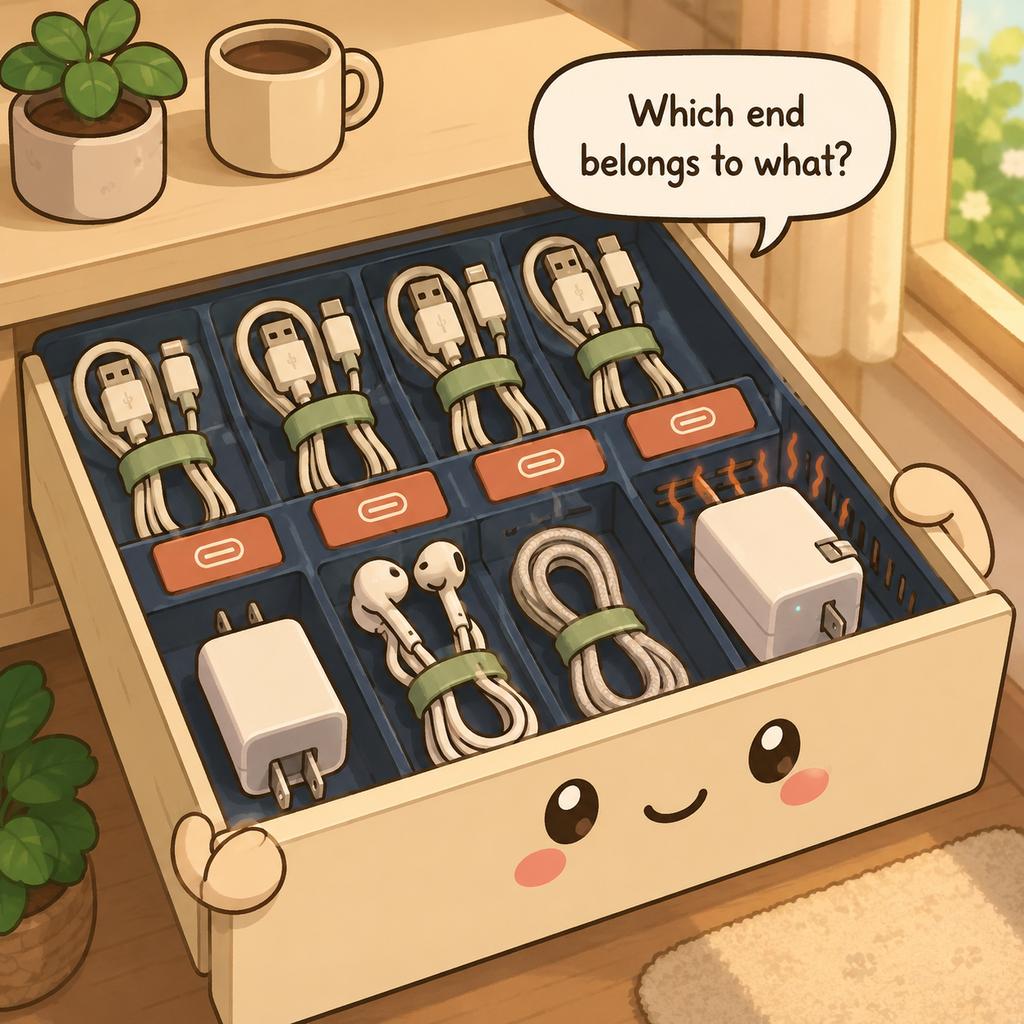
Identify both ends before bundling anything. Photograph or label proprietary power supplies with the device name and electrical specifications if the match is not obvious, and quarantine unknown cords briefly rather than forcing a guess. For active power cords, inspection comes before aesthetics: cracked insulation, damaged plugs, exposed conductors, or abnormal heat are reasons to stop using the cord, not reasons to hide it inside a sleeve.
Separate active power from spare cable storage
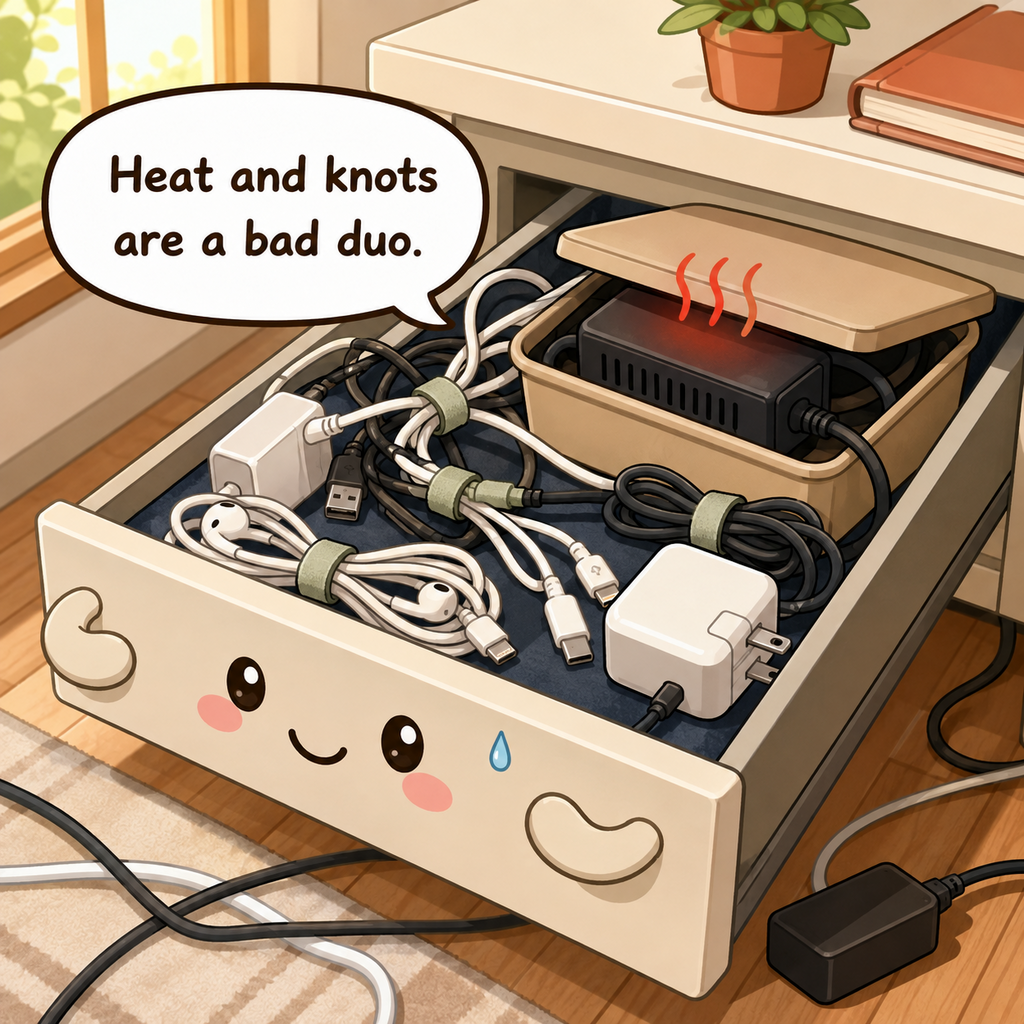
Keep cords that are plugged in and carrying power in the active setup, routed where they can be inspected. Store spare charging or data cables in a separate drawer or box away from the floor. Do not throw active adapters, spare USB cables, batteries, and unrelated electronics into one deep bin.
Power strips and extension cords need accessible plugs and must not be covered by rugs, fabric, or stored objects. CPSC says not to overload extension cords beyond their ratings and not to run them under rugs or carpets; discard damaged cords rather than hiding damage inside a sleeve or cable box.
Keep energized cords visible enough to inspect and disconnect. CPSC warns against overloading extension cords and against running them under rugs, where trapped heat and physical damage can create fire or shock hazards. Do not bury power strips under soft goods or a box of spare cables, and do not daisy-chain power strips. Spare data and charging cables can live in drawers; live electrical connections need a safer, accessible route.
Coil loosely and give each cable one quiet compartment
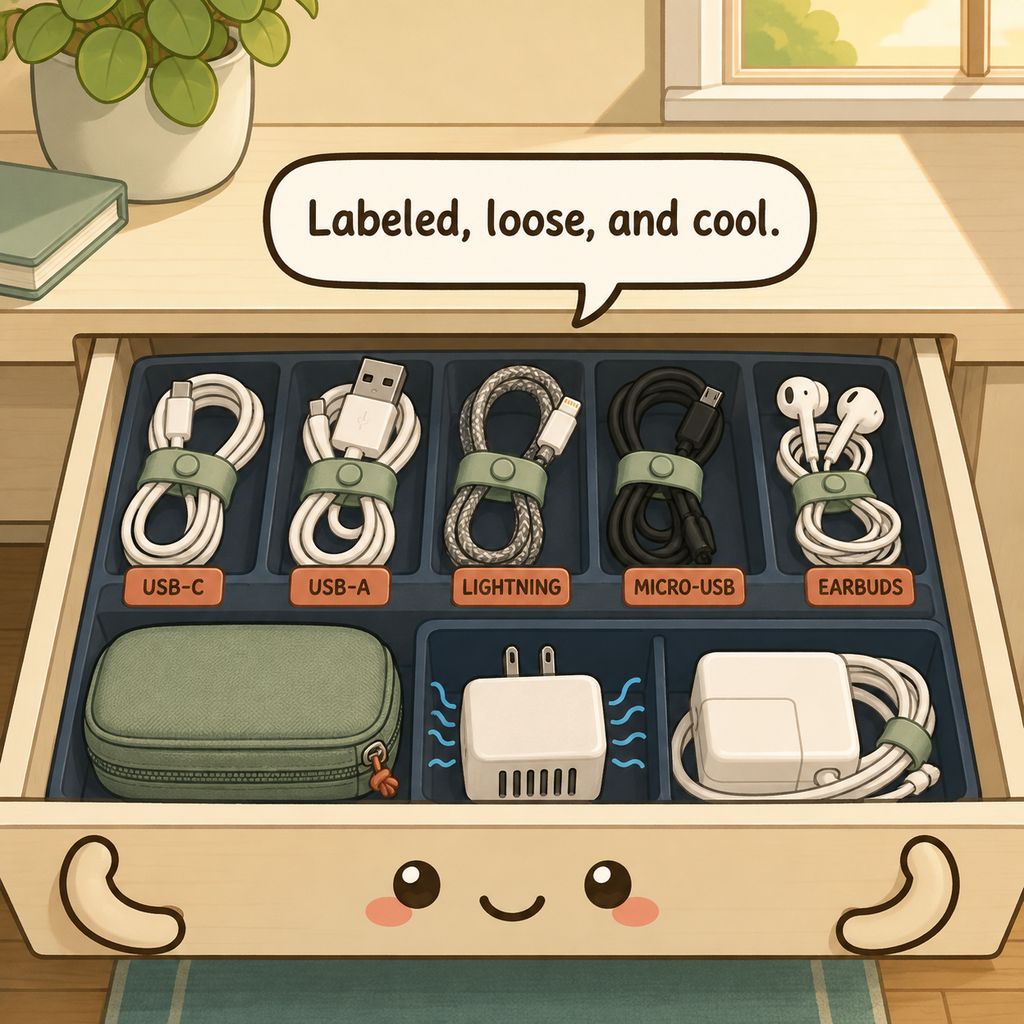
Form stored cables into broad loops that follow their natural bend and secure each with a reusable hook-and-loop tie. Avoid tight wraps around a charger brick or sharp bends near connector strain reliefs. One cable per compartment, pouch, or labeled loop prevents knots and makes damage easier to see.
Use shallow drawers, photo boxes, divided bins, or hanging pockets based on cable size. Keep heavy adapters low and avoid stacking them on delicate connector ends. If a cable has a dust cap or protective case, use it for long-term storage.
Make broad loops that follow the cable's natural bend and secure them with reusable hook-and-loop ties rather than tight knots or sharp folds. Leave strain reliefs near plugs and connector ends unstressed. One labeled cable per loop is usually enough organization; tiny individual boxes add volume without improving retrieval. Store heavy power bricks where they cannot crush delicate connectors and keep frequently used spares near the device category they actually serve.
Route desk cables by destination, not perfect invisibility
Group desk cables by where they go—monitor, computer, lighting, audio—then use clips, a tray, or a sleeve to guide them along a protected route. Leave a service loop so devices can move without pulling the plug and keep cords away from chair wheels, doorways, and pinch points behind furniture.
In a rental, removable cable clips, weighted cable holders, and under-desk trays that clamp rather than screw can provide a no-drill route. Follow adhesive and surface instructions so removal does not damage finishes.
Route desk cables by destination: monitor, computer, lamp, charging point, network, and power. Keep plugs and switches reachable for troubleshooting, and keep cables away from chair wheels, doorways, sharp desk edges, and pinch points. Use clips or a cable tray only if the cord still has room to bend naturally. Perfect invisibility is not worth creating a hot, inaccessible bundle that cannot be inspected or unplugged quickly.
Give travel chargers a complete kit
Build one small travel pouch with the minimum cables and adapters needed for the devices you actually take. Label specialized chargers and keep a short checklist in the pouch if a forgotten adapter would matter. Return the kit to one home after every trip rather than borrowing individual cables from desk setups.
Do not keep loose lithium batteries, button batteries, or damaged power banks mixed with cables. Store and transport batteries according to their manufacturer and carrier guidance, with terminals protected where required.
Build a travel kit around a real device list rather than a bag of duplicates. Include the charger, compatible cable, and any necessary plug adapter for the phone, laptop, watch, or other devices you actually travel with, then test the kit before storing it. Keep damaged batteries or swollen electronics out of the kit and follow airline and battery rules for the trip. After travel, restore the complete set instead of scattering chargers through the house.
Use a door or vertical surface only for lightweight passive cables
Over-door pockets or wall pouches can store lightweight spare USB, audio, or network cables when drawer space is limited. Keep heavy power bricks, battery packs, and frequently energized equipment on stable shelves or appropriate mounted systems instead of hanging them from flimsy pockets.
Renters can use over-door organizers or removable hooks within their load rating. Do not route active power cords through a door gap where the cord can be pinched each time the door closes.
Vertical pockets and door organizers are best for passive lightweight cables that are not energized while stored. Keep power bricks, heavy adapters, and extension cords on stable shelves or drawers rather than hanging them from light hooks. Renters can use removable clips and over-door storage, but follow surface and load instructions. Never route a live extension cord through a doorway merely because the door frame offers a convenient hidden path.
Set an exit rule for obsolete and duplicate cables
Keep a small number of tested universal spares and only proprietary chargers that still match a device you own. When a device leaves the household, evaluate its charger at the same time. Use an electronics-recycling option for cords and adapters accepted by your local program rather than sending every unknown electronic item to household trash.
Give unknown cables one dated quarantine bag. If no device needs them by the next seasonal review and they cannot be identified as useful standards, recycle them appropriately. This prevents mystery wires from becoming permanent inventory.
Set an exit rule based on ownership, not age alone. If a cable has no matching device, no planned legacy use, and enough compatible duplicates already exist, move it to appropriate electronics recycling or donation rather than a mystery drawer. Keep a small labeled legacy set only when you can name the equipment it supports. Before discarding proprietary chargers, verify the device is truly gone so an expensive replacement is not created by overzealous decluttering.
Habits that undo a cords-and-cables setup
Do not wrap cords tightly around adapters, crush active cords behind furniture, daisy-chain power strips, hide damaged insulation inside sleeves, or route a power cord through a closing door. Avoid keeping every obsolete cable simply because it might fit something someday.
Another mistake is prioritizing complete invisibility. Safe bend radius, accessible plugs, labels, and serviceability matter more than a perfectly cable-free photo.
If knots return, check whether cables were stored unidentified, mixed with power bricks, or forced into containers that are too small. If desk cables fall to the floor, add a simple destination clip rather than wrapping the whole bundle tighter. If an extension cord is warm, damaged, overloaded, or hidden under a rug, organization is not the priority—stop using it and correct the electrical setup according to CPSC and manufacturer guidance.
The seasonal reset
Every few months, inspect active cords, tighten or replace loose labels, return travel cables, and test the small spare set. Recycle identified obsolete cables and move unknowns out if their quarantine date has passed.
Vacuum dust from cable-management areas without pulling connections, and check that chair wheels, furniture, or doors have not begun rubbing active cords. A small seasonal inspection catches wear before it becomes hidden.
Once a season, trace active cords, remove obsolete duplicates, inspect power cords for damage, and return loose spares to labeled loops. Check that power strips remain accessible and are not buried by new furniture or storage. Travel kits should be retested after device upgrades. Leave some empty drawer space so a replacement cable can enter without being shoved into a compressed knot or mixed into an unidentified overflow bag.
Electrical safety
- Do not route energized cords where they can be pinched, damaged, or create a trip hazard.
- Do not use cable-management products to conceal overheating, damaged insulation, or overloaded power connections.
- Follow device and power-strip ratings and manufacturer instructions.
Source: U.S. CPSC — Household Extension Cords Can Cause Fires
Renter-friendly option
Use removable cable clips, reusable hook-and-loop ties, freestanding cable boxes, and furniture-mounted routing instead of drilling channels into walls. Do not hide damaged or overloaded cords for the sake of appearance.
30-second success check
- Every active cord can be traced from source to destination.
- No energized cord runs under a rug, through a pinching doorway, or inside a hidden damaged bundle.
- Power strips and extension cords are not overloaded or daisy-chained.
- Spare cables are loosely coiled, labeled, and separated from active power.
- Obsolete or unidentified cables have a dated exit rule instead of permanent mystery storage.
Questions that come up
Frequently asked questions
Part of Paper, Electronics & Small-Item Systems — 7 guides.