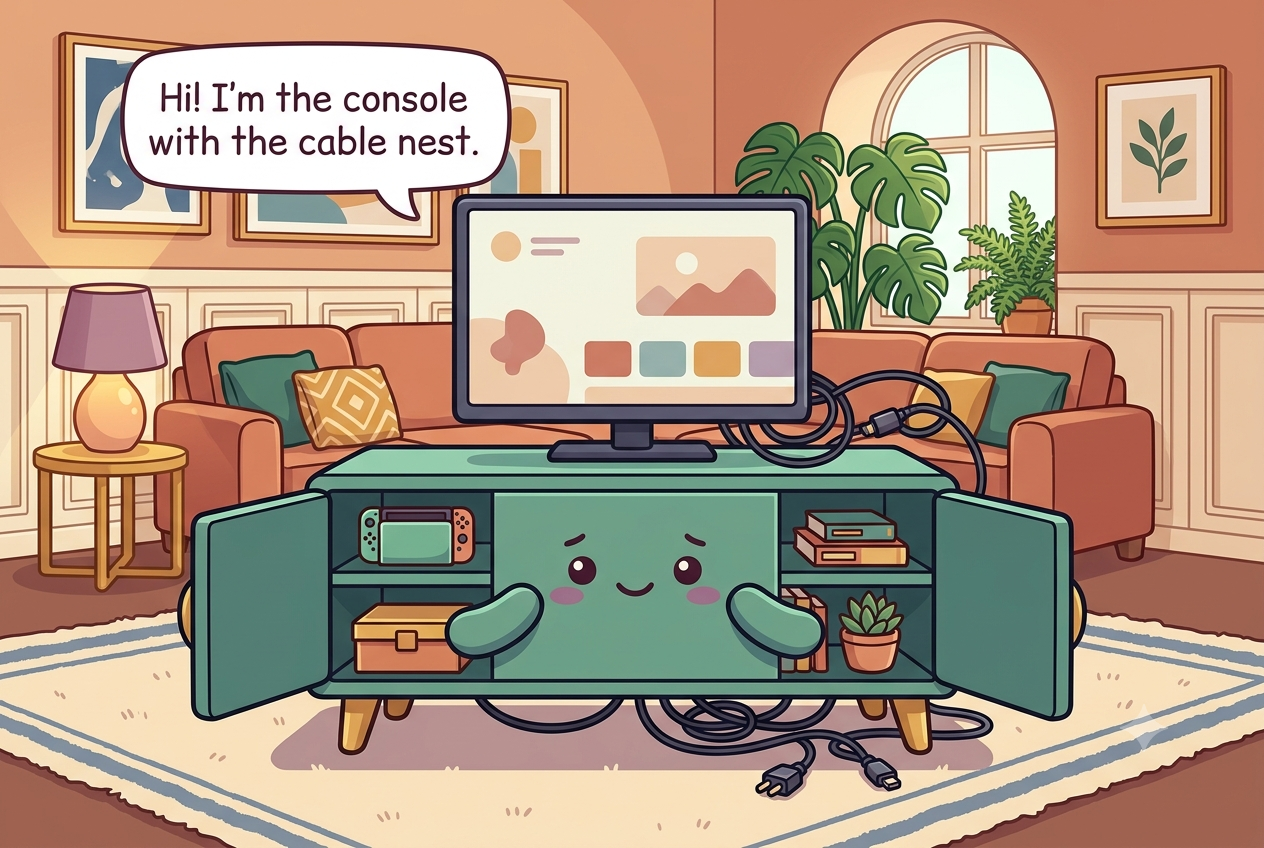
The short answer
Unplug and identify every device and cable before you organize the console. Give electronics open ventilation around the vents specified by their manufacturers, route and label cords by device instead of cinching everything into one hot bundle, mount or contain the power strip where plugs stay accessible, and anchor the console or TV as required to reduce tip-over risk.
What to gather before you start
- Reusable hook-and-loop cable ties or velcro straps
- A power strip or surge protector, ideally one that mounts to a board
- A shallow tray or thin board to lift the power strip off the console floor
- One or two labeled bins for remotes and accessories
- Adhesive cable clips or a cord channel
- Cable tags, or a strip of masking tape and a marker
Measure first. Buy only the pieces that solve a specific access problem.
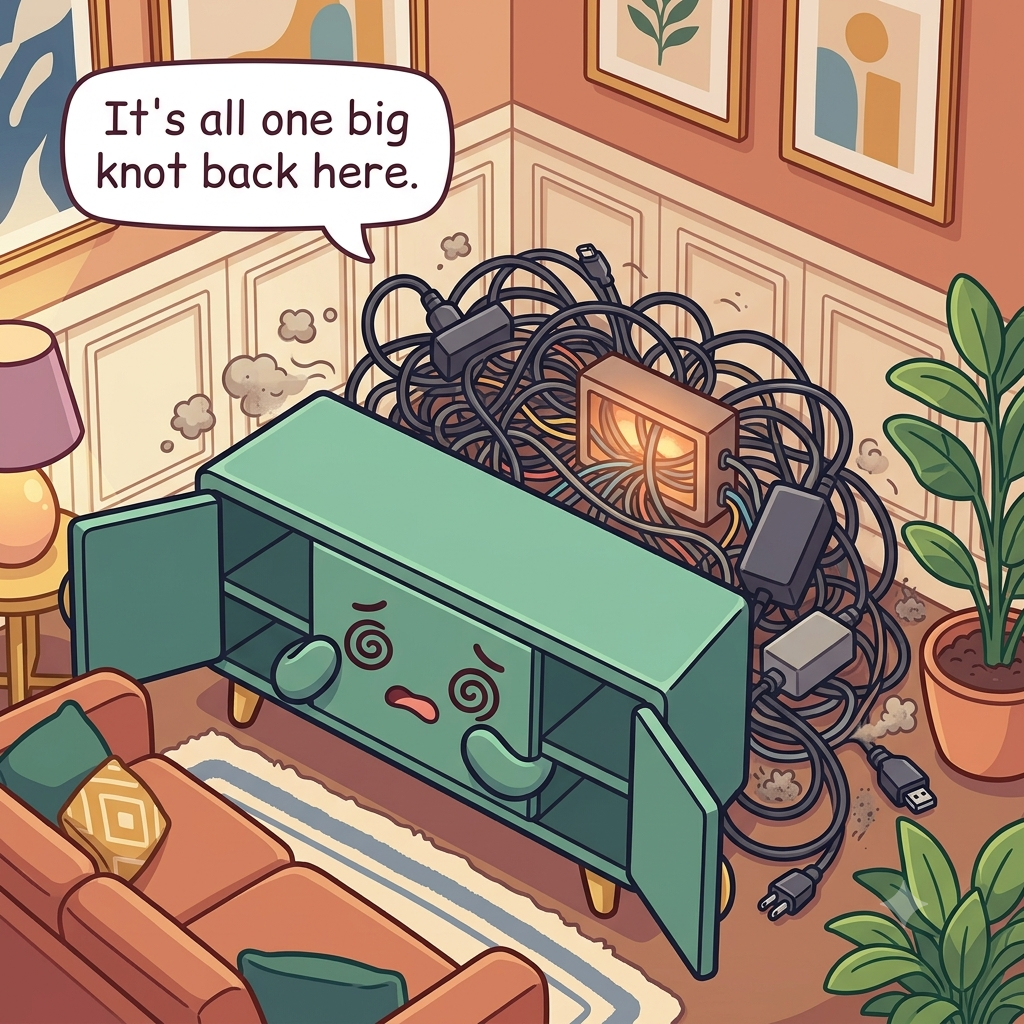
Unplug, pull the cable nest out, and see what's back there
Turn devices off and unplug them before moving the console or sorting cords. Trace each cable from source to destination and remove obsolete adapters, duplicate HDMI cables, and accessories that no longer belong to a device. Label both ends of cables that are difficult to identify so future troubleshooting does not require dismantling the whole setup.
Inspect cords, plugs, and power strips for damage, heat discoloration, fraying, or loose connections. Replace damaged electrical equipment rather than hiding it inside a cable sleeve. Vacuum dust carefully from the console and floor, following electronics manufacturer instructions before cleaning vents or devices.
Photograph the connections before unplugging anything complicated, then label cables that would be difficult to reconstruct from memory. Separate true spares from active leads so obsolete adapters do not remain woven into live wiring. If you find heat damage, melted plastic, or a loose plug, replace or service the equipment instead of hiding the defect in a cable box. Keep a small bag or labeled box for verified spare cables that actually match current equipment, and recycle obsolete electronics through an appropriate local program. A cable with no known device should not remain permanently connected just because unplugging it feels risky.
Give each device a shelf and some air
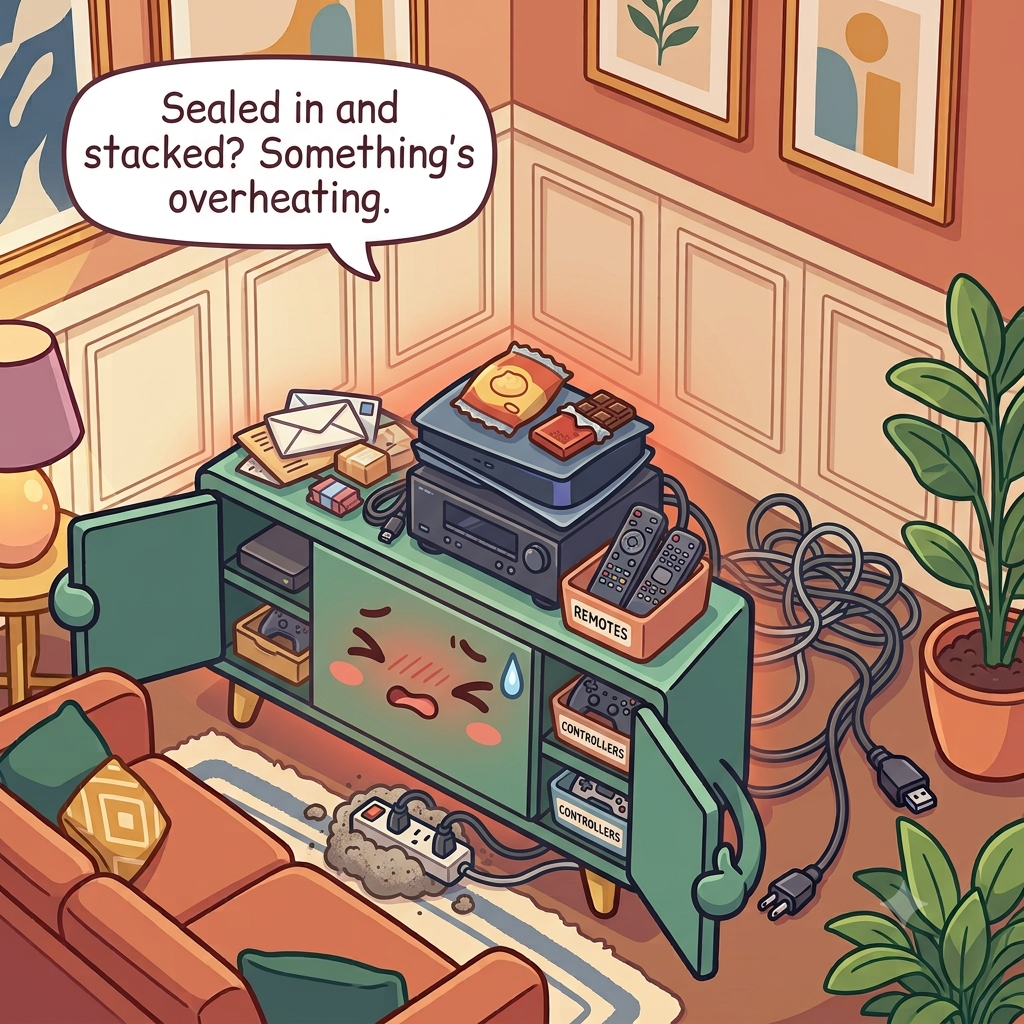
Assign each console, receiver, streaming box, router, or game system a stable shelf with the ventilation clearances required by its manufacturer. Do not pack electronics against closed cabinet walls, stack a hot-running device directly on another, or block intake and exhaust vents with baskets or decorative objects.
If a cabinet door traps heat, use an open shelf, ventilated back, or another location rather than assuming a small fan will fix an unsuitable enclosure. Keep heavy devices low and stable. If the media console or television can tip, use the manufacturer-provided anti-tip hardware or an appropriate anchoring system to secure it to the wall.
Use the ventilation clearance in each device manual rather than copying a universal gap. Keep intake and exhaust openings unobstructed, place heavier electronics low, and avoid a closed cabinet that becomes noticeably hot during normal use. CPSC recommends anchoring TVs and tip-prone furniture; a television should sit on furniture designed to support it and be secured appropriately. If a receiver, console, or router must sit behind a door, run it under normal load and check that the enclosure does not become excessively hot. Manufacturer-specified ventilation still governs; moving a decorative object is easier than shortening the life of heat-sensitive electronics.
Bundle cords by device, not all together
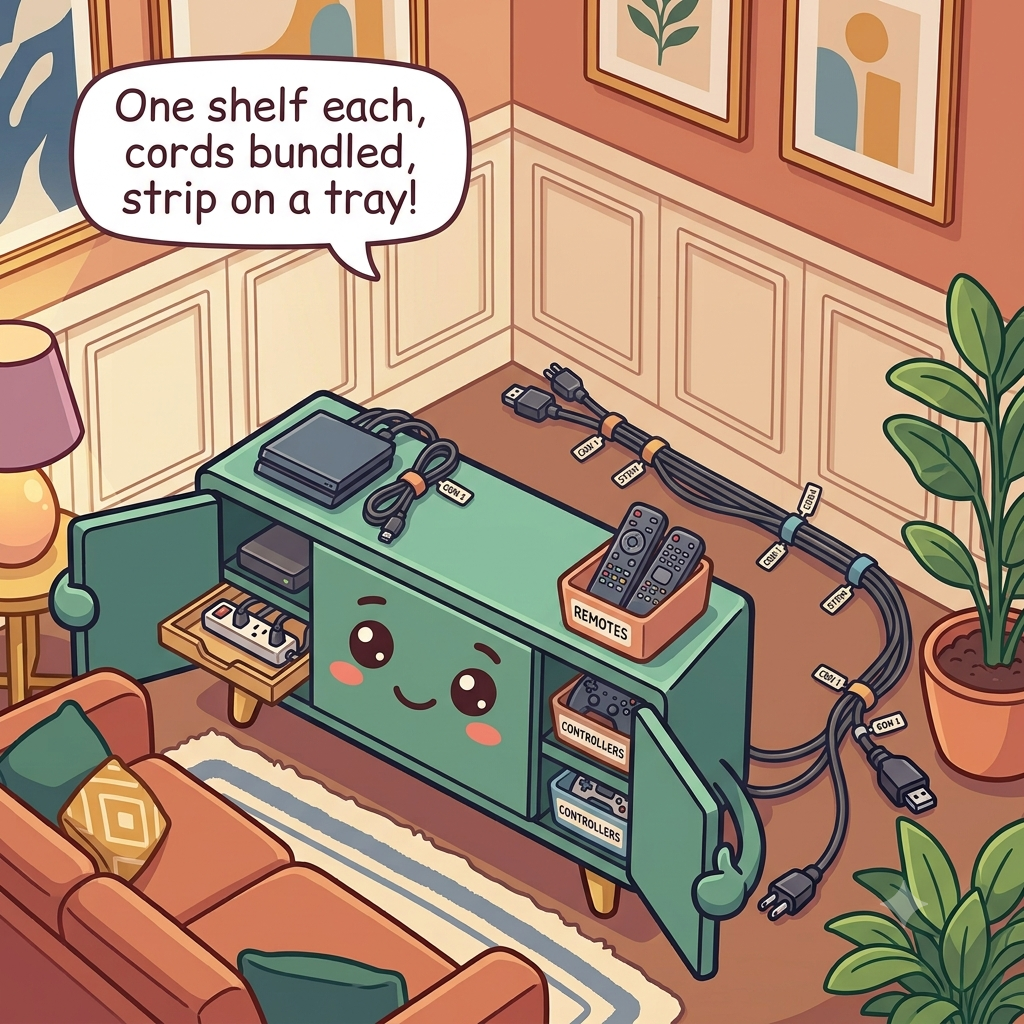
Create small cable groups for each device or destination and use reusable hook-and-loop ties rather than one extremely tight bundle. Coil only the excess that must remain, using broad loops instead of sharp bends. Keep power cords separate from passive spare cables so live connections are easier to inspect.
Label groups in plain language such as 'TV power,' 'console HDMI,' or 'router.' Leave enough slack for a device to slide forward for service without pulling the plug. Do not route cords where furniture legs crush them or where people can trip over them.
Use reusable ties loosely enough that insulation is not pinched, and keep a service loop for equipment that must slide forward. Label at both ends when several similar HDMI, power, or network cables meet behind the console. Spare passive cables belong in separate storage so live wiring remains traceable and easy to inspect.
Lift the power strip and give it a pull-out
Place the power strip where plugs and the on/off switch remain accessible and where it is protected from spills and foot traffic. A purpose-built mounting bracket or manufacturer-approved attachment can keep it off a dusty floor; follow the strip's instructions and do not cover it with fabric or a closed box that traps heat.
Do not daisy-chain power strips or overload outlets. High-power appliances should follow their own electrical requirements rather than sharing a console strip by convenience. Keep a gentle service loop so the strip can be inspected or replaced without yanking every cable.
Mount or position the strip only as its manufacturer allows, with plugs and the switch still reachable. Keep it uncovered, away from liquids, and free of dust buildup that prevents inspection. If the strip cannot be reached without moving the television or dismantling the console, reposition it rather than creating a permanently hidden electrical junction. Keep surge protectors and power strips visible enough that their condition and indicator lights can be checked. Do not run them under rugs or through pinch points behind doors, and replace units that show damage, scorching, or loose receptacles.
Corral the small stuff and keep it safe
Use one shallow tray or small bin for remotes, controllers, batteries, and adapters that actually belong to the media setup. Give active controllers a charging location with airflow and keep spare batteries in their original packaging or an appropriate battery organizer so terminals cannot short against metal objects.
Keep small button batteries and other hazardous small parts secured from children. Do not leave game discs, tiny adapters, or heavy controllers on the console edge where they can fall. If children use the setup, route cords so they do not invite pulling or climbing.
Give controllers and remotes a shallow visible home that does not tempt children to climb on the TV stand. Secure button batteries and loose cells in appropriate packaging or a battery organizer, with terminals protected from metal contact. Keep chargers with the device they serve so mystery adapters do not accumulate in the same tray. Store controller batteries and small accessories away from the edge of the console and out of children's reach. If rechargeable controllers live in a charging dock, leave the dock's vents and cable strain relief unobstructed and follow the device maker's charging instructions.
What ruins a media console setup
Do not hide overheating devices in a sealed cabinet, cinch power cords into a tight bundle, cover a power strip with fabric, or route cables through a door that pinches them. Avoid stacking heavy electronics high or placing a television on furniture not designed to support it.
Another mistake is optimizing for invisibility instead of service. A cable path that looks perfect but cannot be traced will be dismantled the first time a device fails. Favor labels, accessible plugs, and safe bends over a completely hidden nest.
Do not trade cable visibility for overheating or electrical risk. A sealed decorative box, tightly cinched power bundle, pinched cord, or inaccessible strip is not an upgrade simply because the console looks cleaner. Also keep heavy items low and follow CPSC and manufacturer anchoring guidance for the TV and tip-prone furniture.
The monthly reset
Once a month, dust accessible vents and shelves according to device instructions, check that cable ties are not cutting into insulation, and confirm the power strip remains uncovered and accessible. Remove stray chargers and accessories that migrated into the console.
Test that furniture and TV anchoring remain secure and that no device has been pushed back against a vent. If a component feels unusually hot, shuts down, or shows electrical damage, stop using it and address the equipment issue rather than reorganizing around it.
During the check, trace any new cable that appeared during the month and either label it or remove it. Vacuum only as device instructions permit, verify that vents remain open, and test that anchors and furniture still feel secure. A component that runs unusually hot or repeatedly shuts down needs equipment troubleshooting, not a different organizer.
Heat, cables & tip-over
- Follow each device manufacturer’s ventilation and clearance instructions instead of sealing electronics into a packed cabinet.
- Anchor the TV and applicable furniture to reduce tip-over risk, especially where children live or visit.
- Keep cords routed so they are not pinched, tripped over, or pulled by children.
Sources: U.S. CPSC — Anchor It; U.S. CPSC — Household extension cord safety
30-second success check
- Every device has the ventilation clearance specified by its manufacturer and vents are unobstructed.
- The power strip is accessible, uncovered, undamaged, and not daisy-chained.
- Active cables can be traced by device and are not pinched by furniture or doors.
- The TV and tip-prone furniture are secured appropriately, with heavy equipment low.
- Loose button batteries and small parts are inaccessible to children.
Questions that come up
Frequently asked questions
Part of Paper, Electronics & Small-Item Systems — 7 guides.